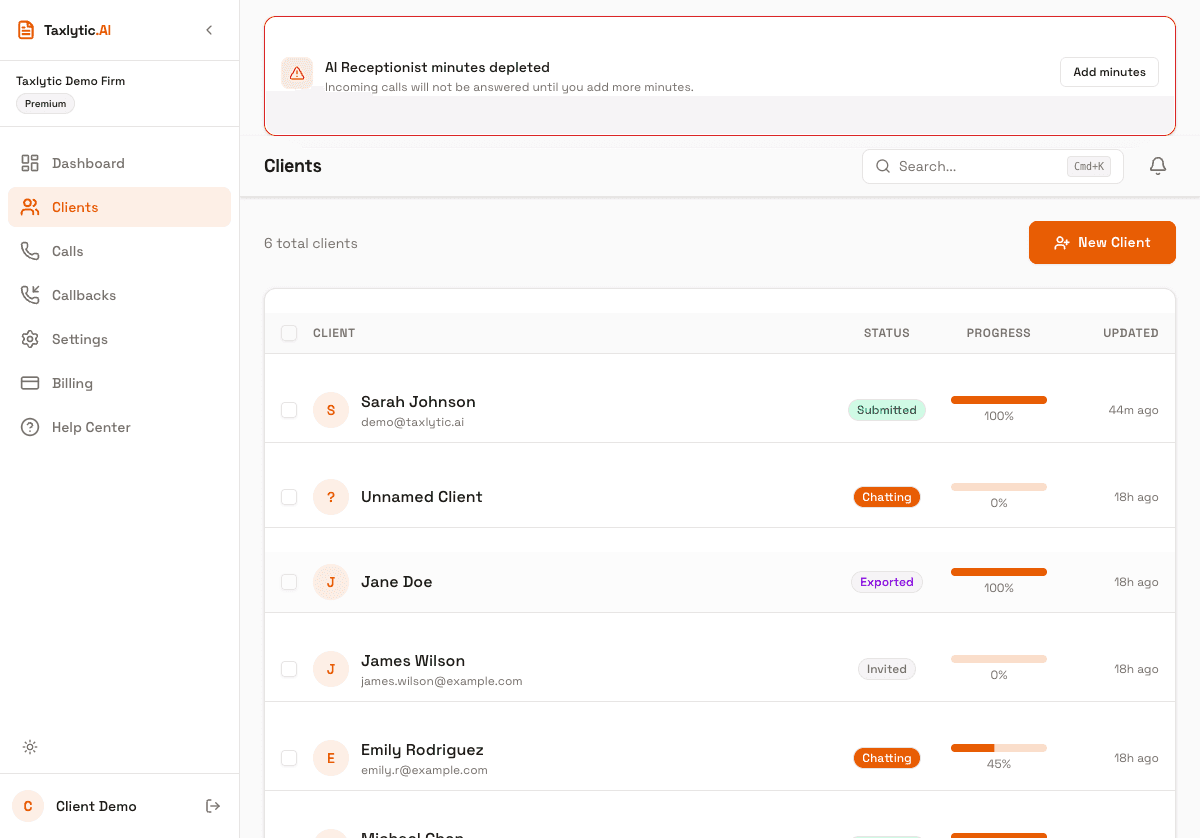
Invite Your First Client
Now that your account is set up, it is time to invite your first client. You can send them a link via email, text message, or simply share your intake URL.
Option 1: Use the New Client dialog
From your dashboard, click the New Client button in the top-right corner. This opens a dialog where you can enter your client's name and email address, then send them an invitation directly.
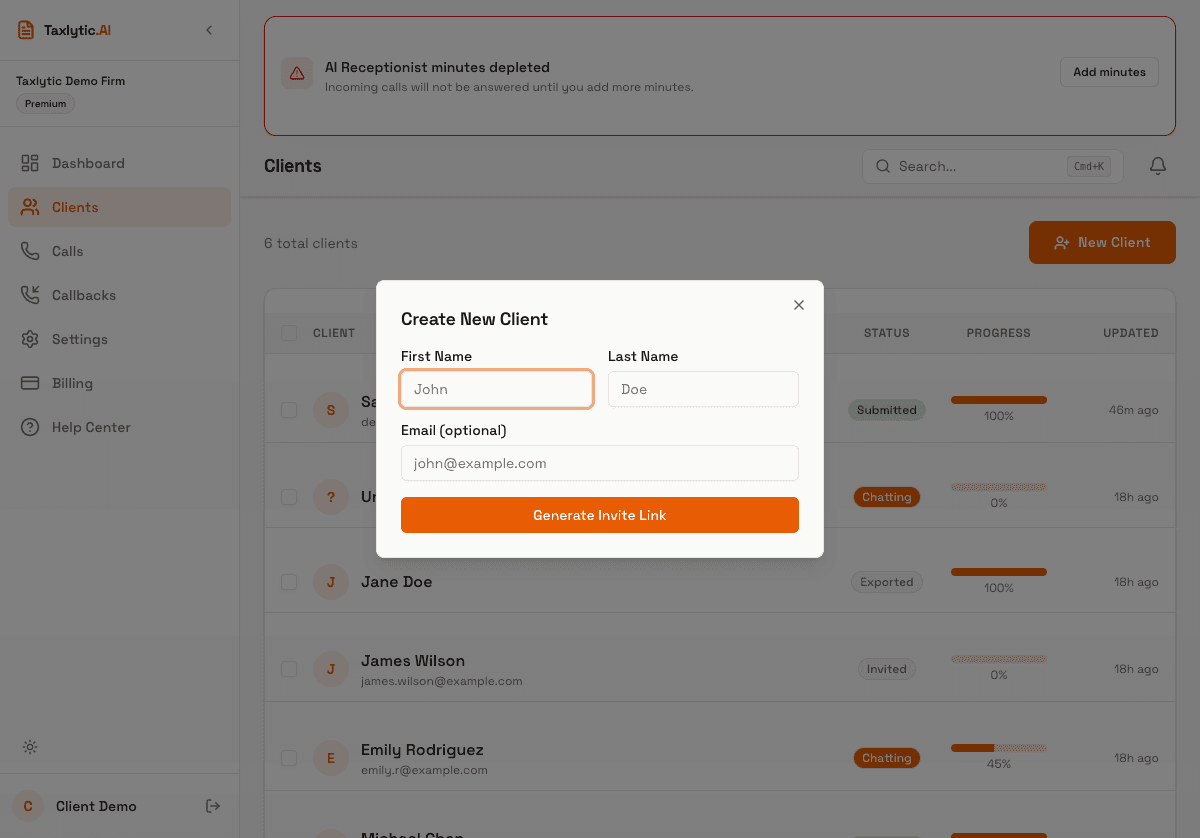
When you send an invite, the client receives an email with a link to your branded intake page. They click the link, accept the consent terms, and begin chatting with the AI assistant.
Option 2: Share your intake URL directly
You can also share your branded intake URL directly with clients. Your URL is:
yoursubdomain.taxlytic.aiShare this link via text message, your website, or social media. Any client who visits this URL will be guided through the AI intake process and automatically appear in your client list.
What your client experiences
When a client opens your intake link, they will:
- See your firm name and welcome message
- Accept a brief consent agreement
- Start a conversation with the AI assistant, which asks questions one at a time
- Upload photos of tax documents when prompted (W-2s, 1099s, etc.)
- Submit their completed intake when all information is gathered
Tracking your client
Once a client starts chatting, they will appear on your Clients page with a status badge showing their progress. You can click into any client to see their collected data, uploaded documents, and chat history in real time.