Create Your Account
Get started with Taxlytic in under five minutes. The signup process has three steps: create your credentials, verify your email, and complete your practice profile.
Step 1: Enter your email and password
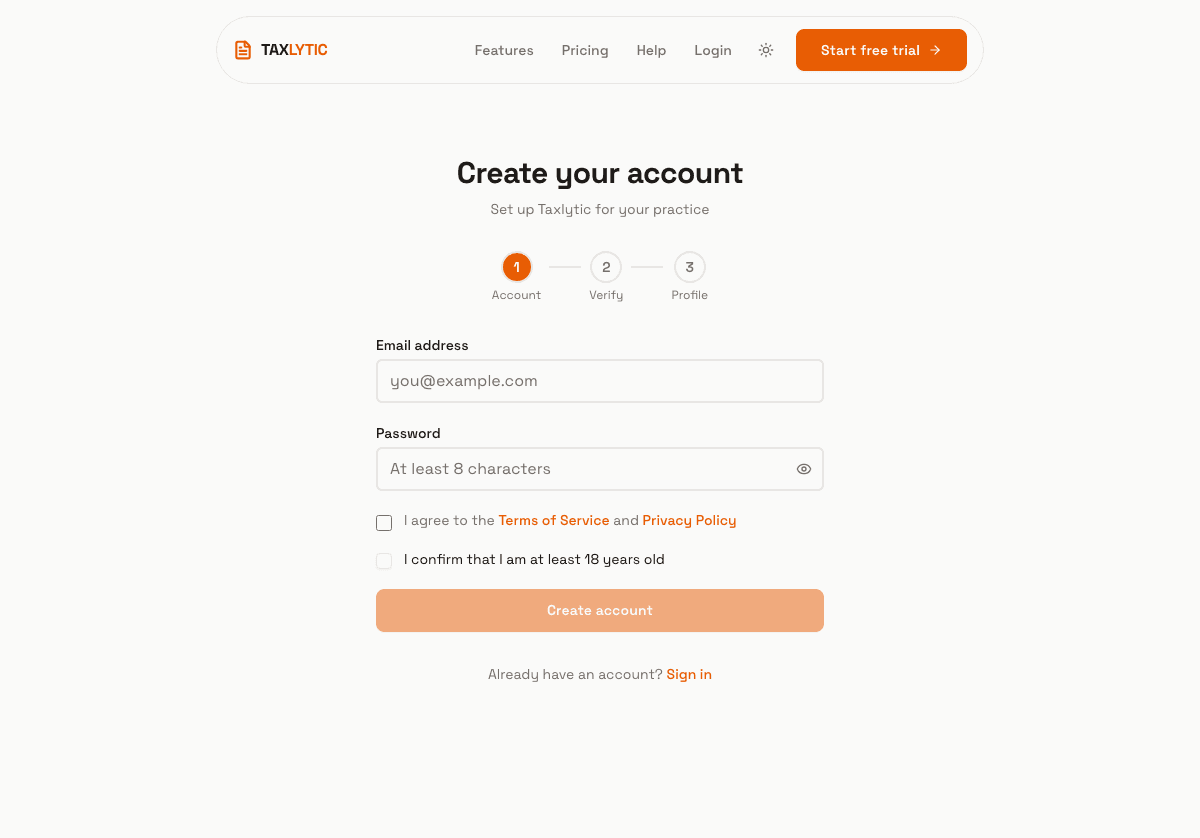
Visit taxlytic.ai/signup and enter your email address and a secure password. You will also need to accept the Terms of Service and Privacy Policy, and confirm that you are at least 18 years old.
Step 2: Verify your email
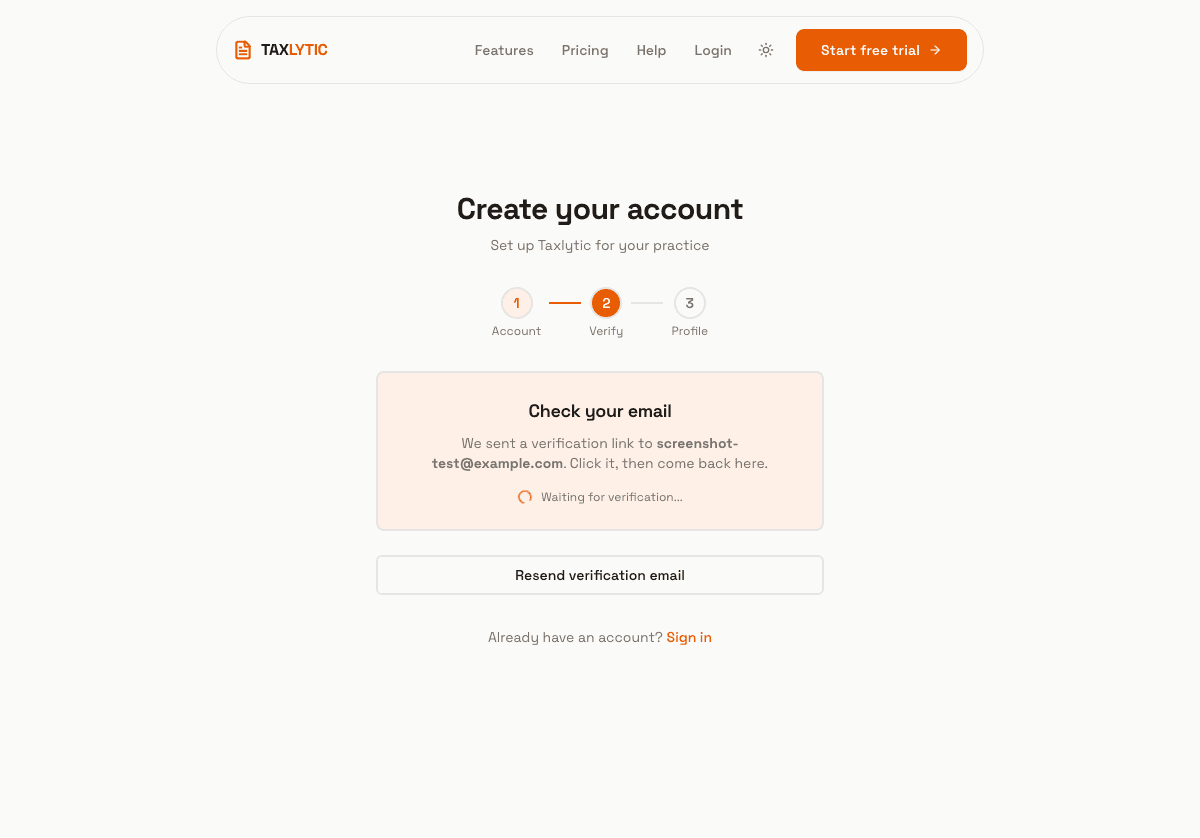
After submitting your credentials, check your inbox for a verification email from Taxlytic. Click the confirmation link to verify your account. The link will bring you back to the signup flow automatically.
Step 3: Complete your profile
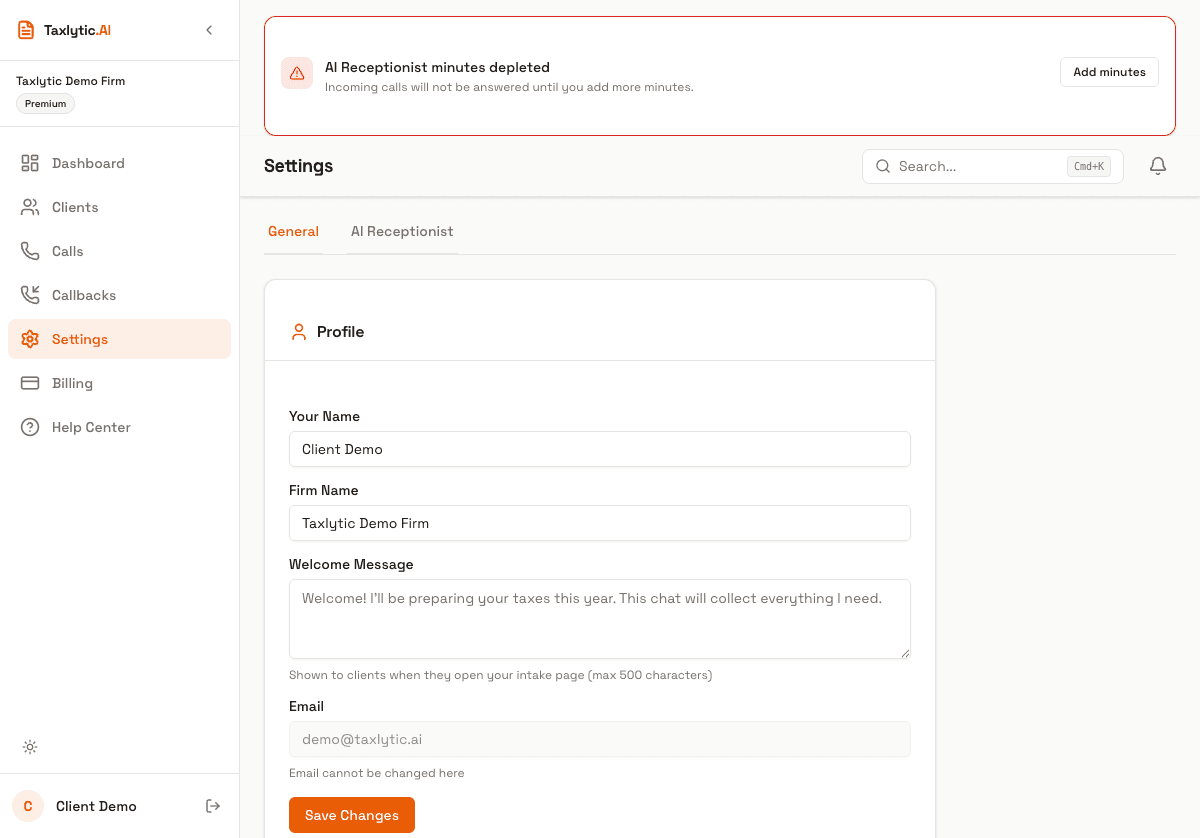
Once your email is verified, you will be asked to fill in your practice details:
- Your name - How you will appear to clients and on your dashboard.
- Firm name - Your business or practice name.
- Phone number - Optional. Used for call transfers if you set up Voice Receptionist.
- Subdomain - Your unique intake URL. For example, if you choose "johnstax", your clients will visit
johnstax.taxlytic.ai.
What happens next
After completing your profile, you will be redirected to choose a subscription plan. All plans include a 7-day free trial so you can explore the full platform before committing. See Choose a Plan for details on each option.