Activity Feed
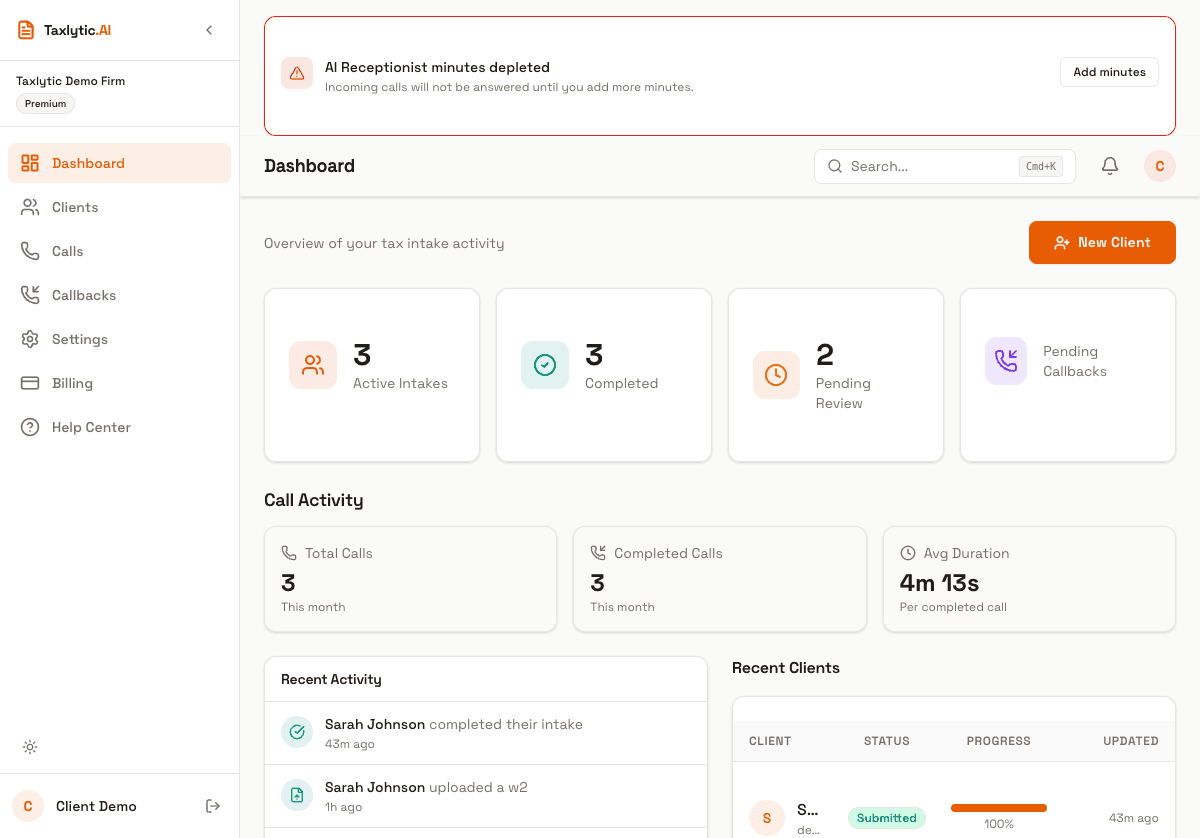
The activity feed on your dashboard shows a real-time log of everything happening in your practice. It helps you stay on top of client activity without manually checking each client.
Types of events
The activity feed tracks these types of events:
- New client - A new client has started their intake or was added manually.
- Intake started - A client has begun chatting with the AI assistant.
- Intake submitted - A client has completed and submitted their tax information.
- Document uploaded - A client has uploaded a tax document for extraction.
- Call received - An incoming call was handled by your AI Receptionist.
- Callback requested - A caller asked for a callback during a voice call.
Tip: Each event in the feed is clickable. Click on a client-related event to jump directly to that client's detail page.
Time and ordering
Events are displayed in reverse chronological order, with the most recent events at the top. Each event shows a relative timestamp (like "2 hours ago" or "yesterday") so you can quickly gauge recency.