Inviting Clients
There are several ways to get your clients started with the AI intake process. Choose the method that works best for your workflow.
Send an email invitation
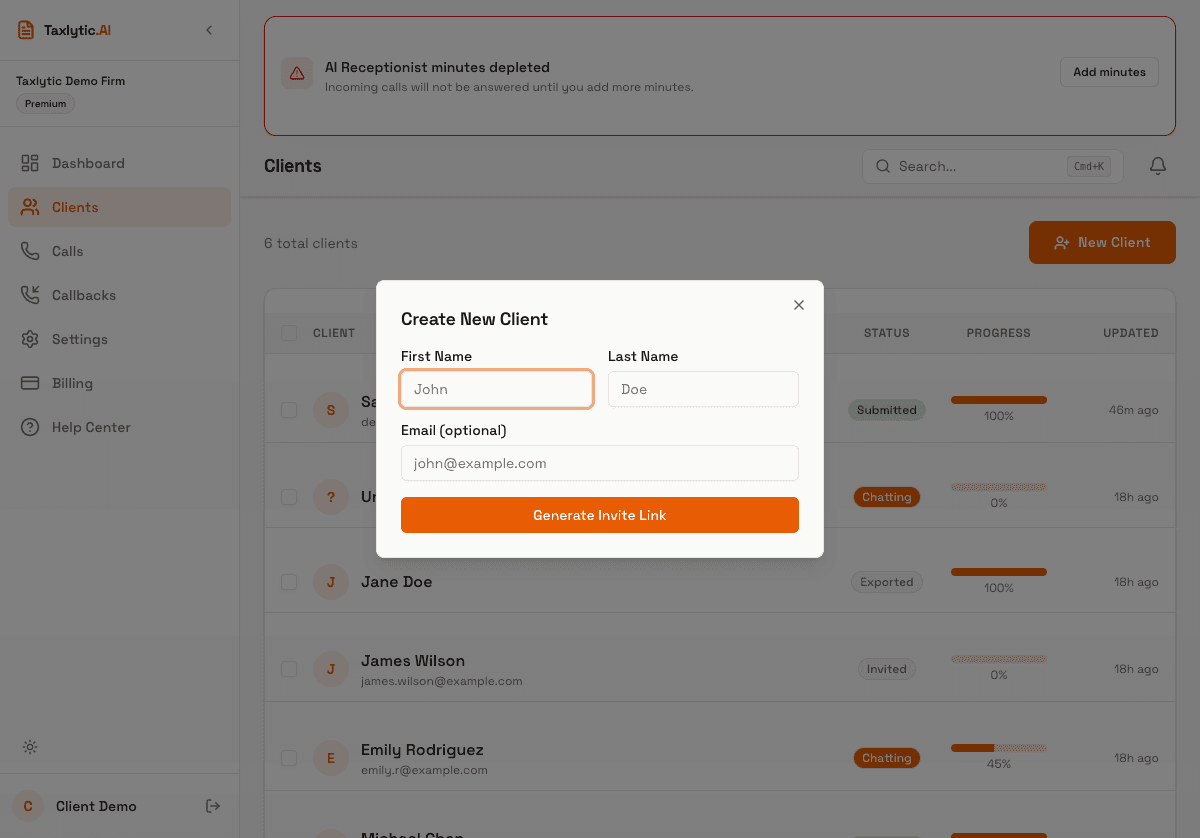
Click the New Client button on your dashboard or Clients page. Enter the client's name and email address, then click "Send Invite." The client will receive an email with a personalized link to your intake page.
Send via SMS
You can also send intake links via text message. In the New Client dialog, enter the client's phone number and send them a text with your intake URL.
Share your intake URL
Your branded intake URL can be shared anywhere: on your website, in email signatures, on social media, or printed on business cards. Anyone who visits the link will be guided through the intake process.
yoursubdomain.taxlytic.aiFollowing up with clients
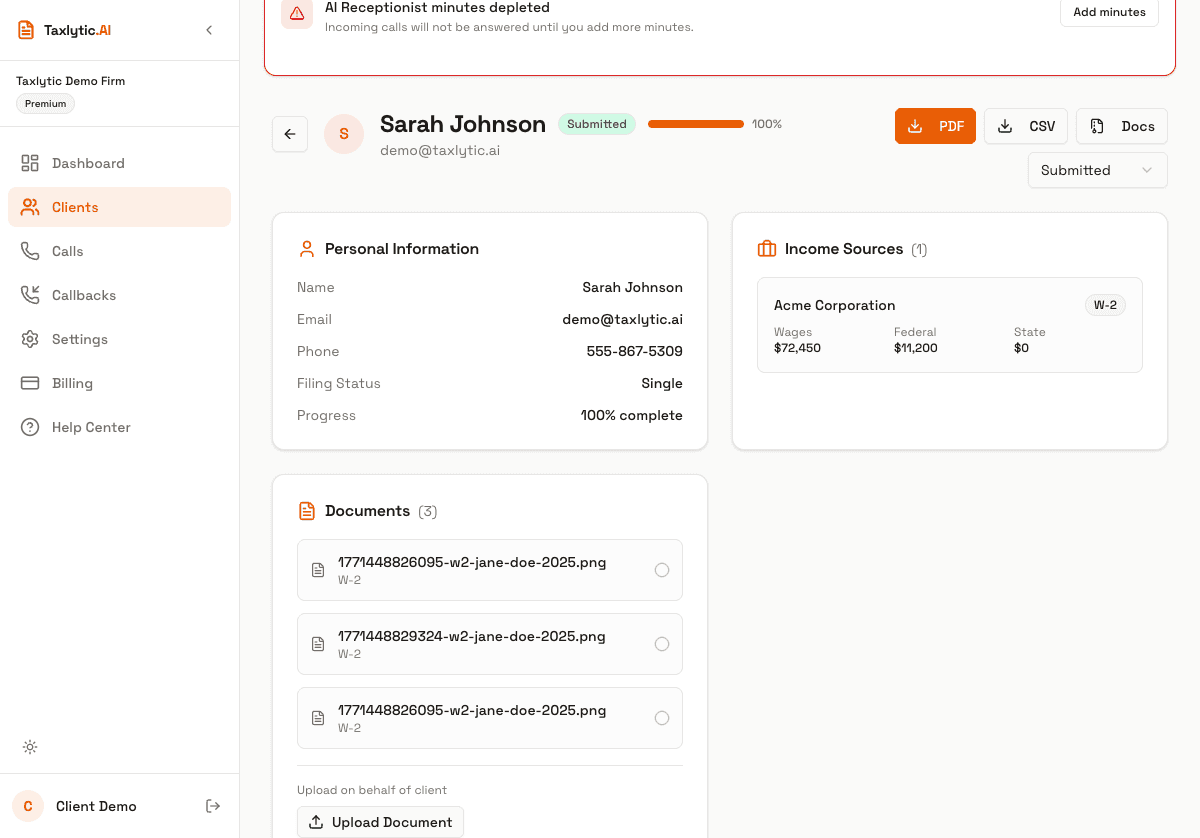
If a client has not started or completed their intake, you can send a follow-up from their detail page. Click the follow-up actions on any client to resend the invitation email or send a reminder.