Minutes and Credits
The Voice Receptionist uses a minute-based billing system. Each call deducts minutes from your balance based on the call duration. Here is how it works.
How minutes work
When your AI receptionist handles a call, the duration is measured and rounded up to the nearest minute. Those minutes are deducted from your available balance. For example, a 3-minute and 20-second call deducts 4 minutes.
Included minutes by plan
| Plan | Included Minutes | Overage Rate |
|---|---|---|
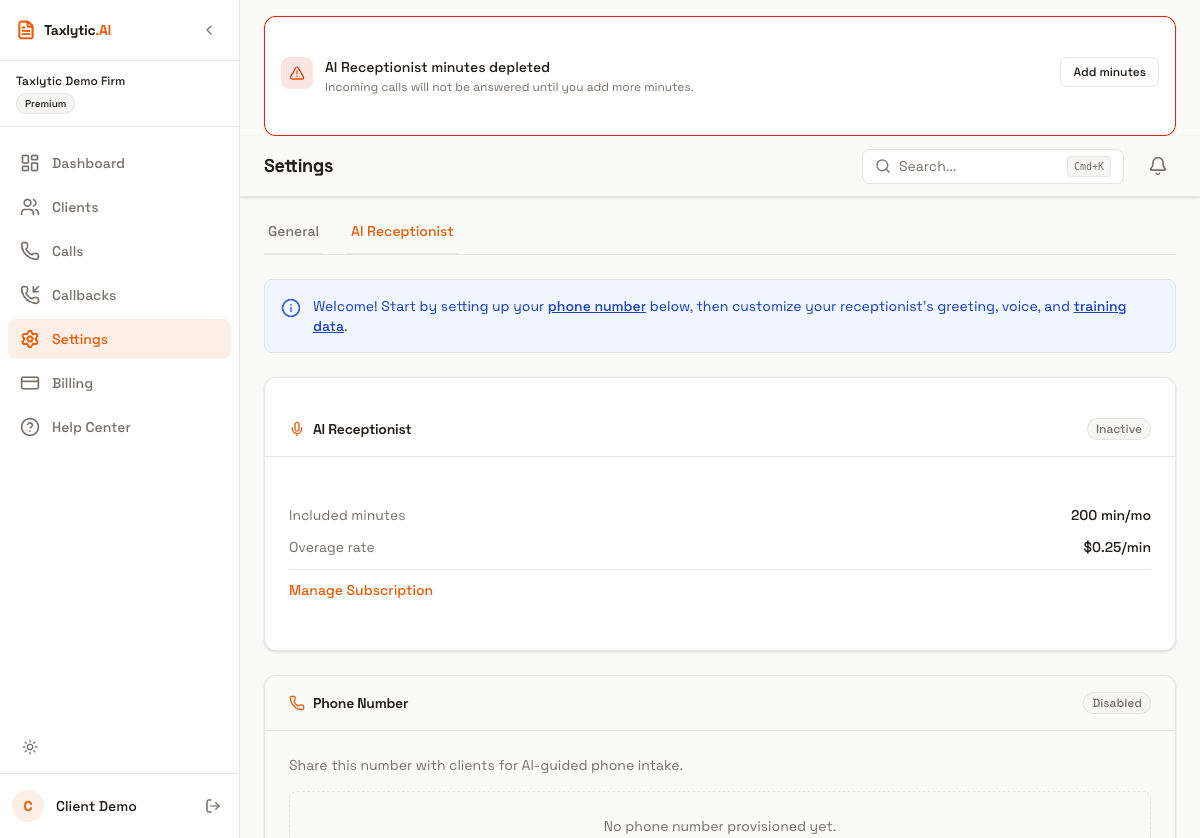
| Premium | 200/month | $0.25/min |
| Standard/Tax Season Add-on | 200/month | Purchase additional packs |
| Tax Season Bundle | 600/season | Purchase additional packs |
Checking your balance
Your current minute balance is displayed in the AI Receptionist settings tab. It shows your remaining minutes, minutes used this month, and recent transaction history.
Purchasing additional minutes
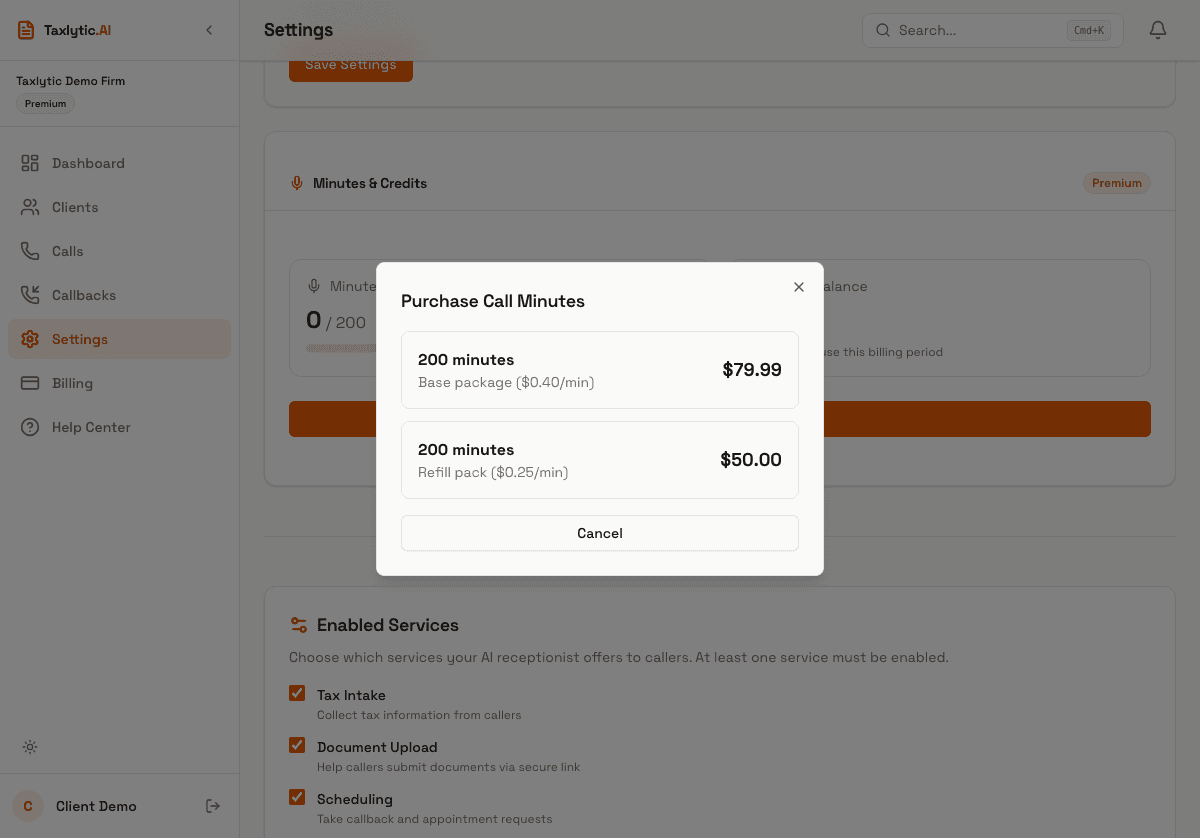
If you are running low on minutes, you can purchase additional minute packs from the AI Receptionist settings page. Click the "Purchase Minutes" button to open the purchase dialog.
Transaction history
The AI Receptionist settings page shows your recent credit transactions, including purchases, call deductions, and any adjustments. Each entry shows the transaction type, the number of minutes affected, and the date.