Call Management
Every call handled by your AI receptionist is logged with a full transcript. You can review calls, see what was discussed, and manage callback requests from the Calls and Callbacks pages.
Call logs
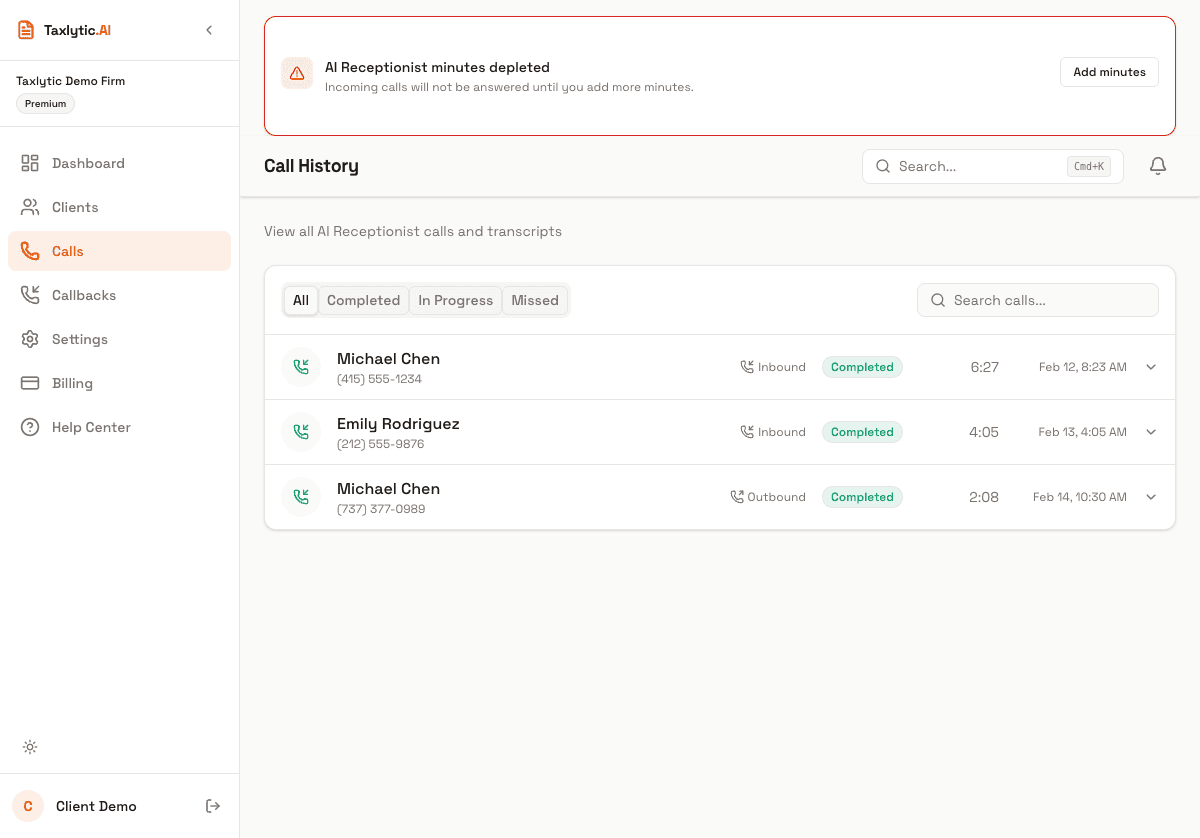
Navigate to Calls in your dashboard sidebar to see a list of all calls handled by your AI receptionist. Each entry shows:
- Caller phone number
- Call date and time
- Call duration
- Call status (completed, transferred, missed)
Call detail and transcript
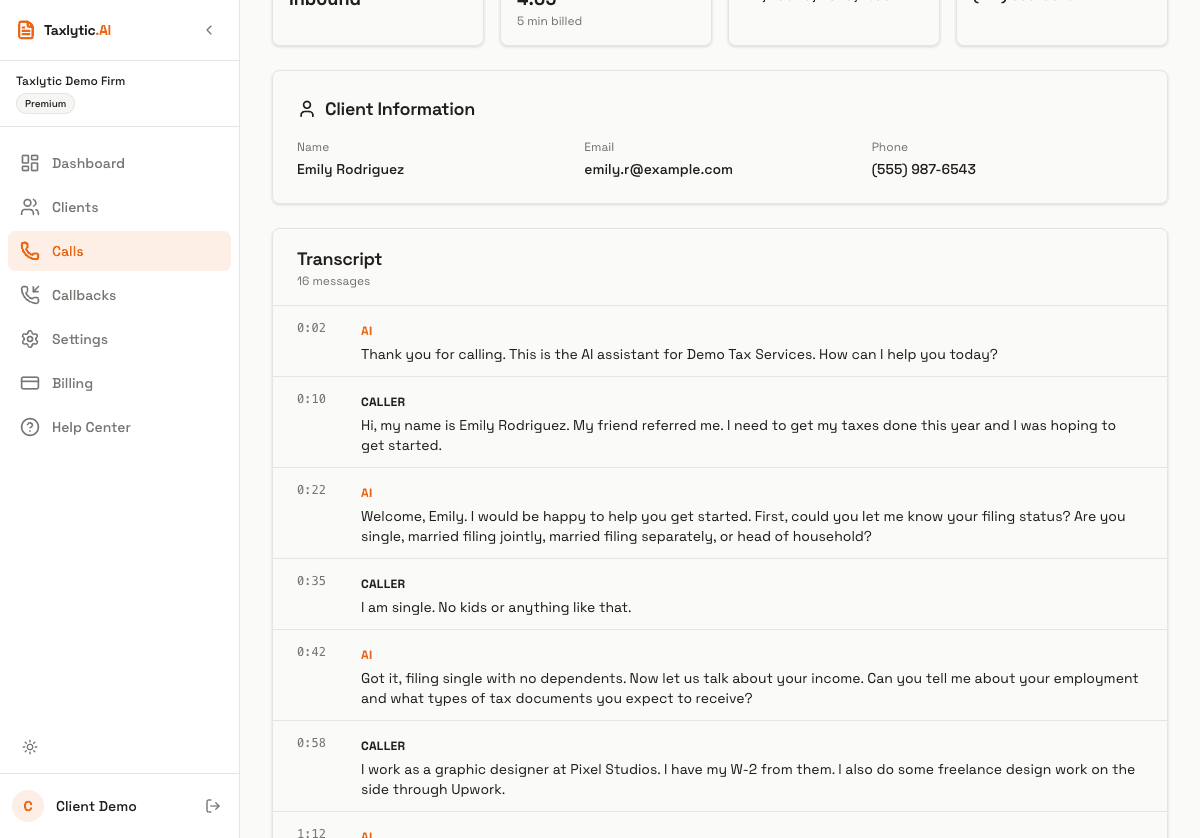
Click on any call to view the full detail page. This includes the complete conversation transcript between the AI receptionist and the caller. The transcript shows both sides of the conversation with timestamps.
Callback requests
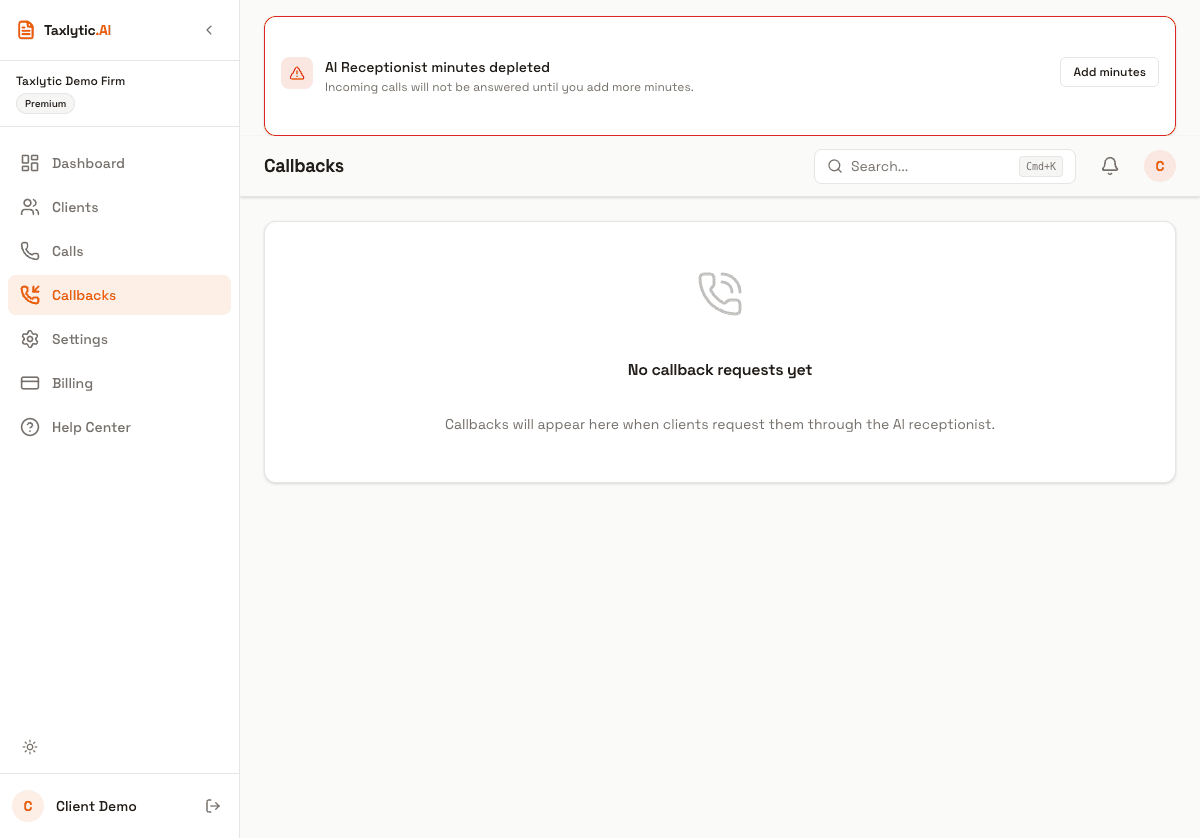
When a caller asks the AI to have you call them back, it creates a callback request. Navigate to Callbacks in your dashboard to see all pending requests.
Each callback request shows:
- Caller name (if collected)
- Phone number
- Preferred callback time
- Reason for the call (from the transcript)
- Priority level
You can mark callbacks as completed once you have returned the call. The pending callback count appears as a badge on your dashboard notification icon so you always know how many are waiting.